Ready to connect
Launch your native RDP client from an organised connection catalogue.

Solisys Remote Manager
Solisys Remote Manager brings your RDP connections into one organised workspace. Work individually or manage your team’s access on infrastructure you control.
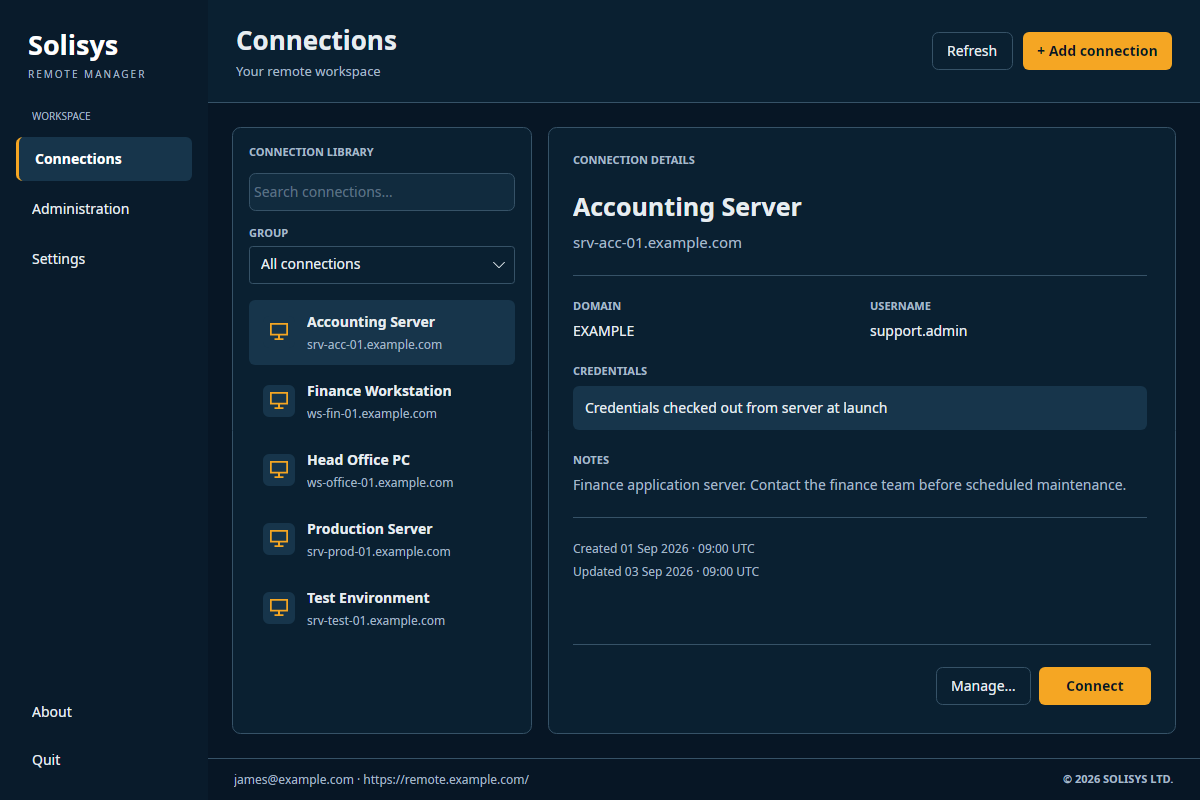
Launch your native RDP client from an organised connection catalogue.
Server sign-in combines a password with an authenticator code.
Use optional groups to organise connections around your work.
Assign connections to individual users in a shared server workspace.
Less admin. More action.
Choose a local workspace for individual use or a self-hosted server for your team. In server mode, administrators manage the catalogue and standard users see only their assigned connections.
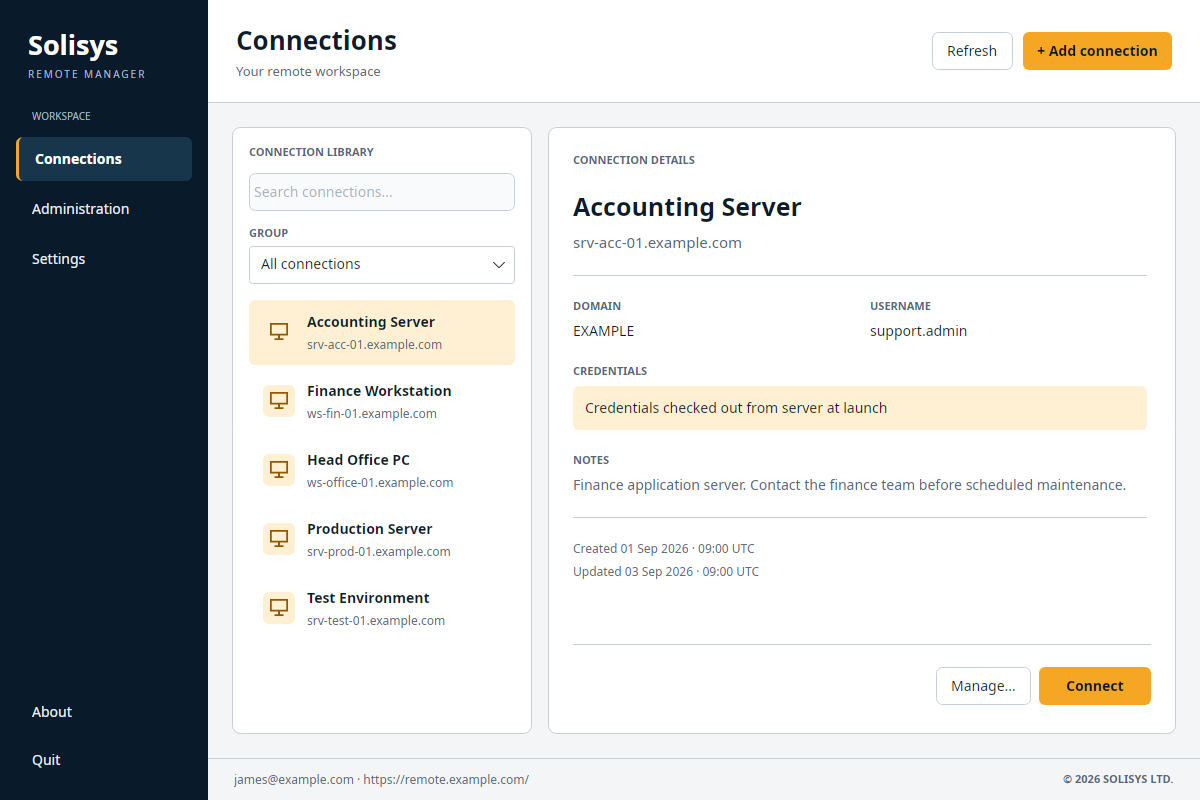
Access management
Keep your connection catalogue on infrastructure you control. Give each team member access to the connections they need, with encrypted credential storage, two-factor sign-in and audit records in server mode.
Discuss your requirements →Explore the desktop and server specifications, including authentication, encryption and access controls.
View technical specificationsPlan your workspace
Remote Manager organises access and launches your RDP client. Your desktop still needs network access to the remote system, directly or through your existing VPN.
Local mode keeps an individual connection catalogue on your computer and needs no Solisys server. Server mode uses a shared catalogue, with administrators managing users, connections and per-user assignments.
Server mode runs on your infrastructure and uses SQL Server. Contact us to discuss deployment options.
Server mode uses licences assigned to individual users. Administrators do not consume seats. Contact us for pricing and licensing options.
Server mode records security and administration events such as sign-ins, credential retrieval and assignment changes. These are activity records, not recordings of remote desktop sessions.
No. It prevents future credential retrieval through Remote Manager. Existing RDP sessions and passwords already retrieved are unaffected.
Part of a bigger picture
Solisys creates software that makes everyday work easier to manage. Alongside Remote Manager, we offer bespoke software consultation for small businesses.
Explore software consultation →
About Solisys →Let’s talk
Tell us how you manage remote connections today and what you need from your next setup.
hello@solisys.co.uk